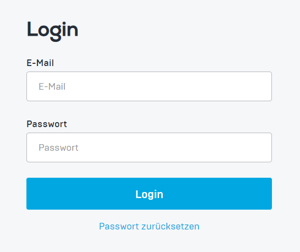
1. Open your helloagain dashboard page in your browser.
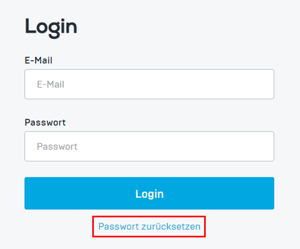
2. Click on "Reset password" below the login details field.
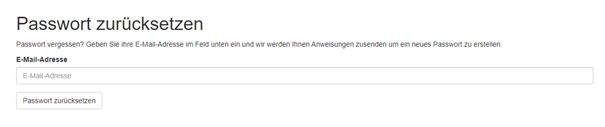
3. Another browser page will open. Enter your email address and click on the "Reset password" button.
4. You will receive an email with a link/button that opens a separate page in your browser where you can reset your password. Click on the "Reset password" button.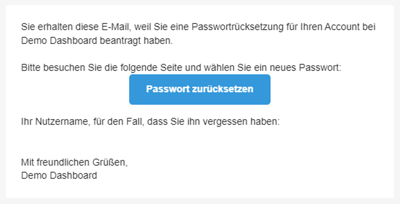
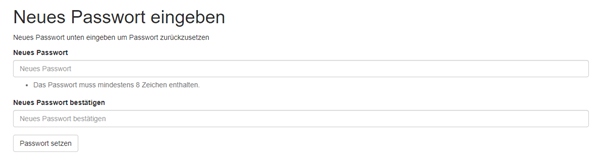
5. A new browser page will open and the password can be reset.
6. Done! Reopen the dashboard login page and log in with your new password.