In order for us to continue sending updates and changes to your iOS app, every Apple developer account must be changed from an individual account to an organization account in the future.
Here are instructions on what to do:
-
Log in to the company account with your Apple credentials at: Apple Developer
-
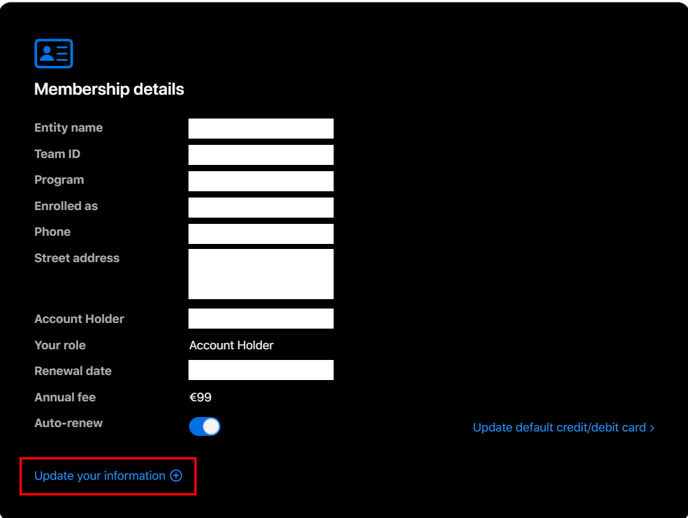
Scroll down to the section titled "membership details."
-
Click on the option "Update your information" (🇩🇪: Update details)
-
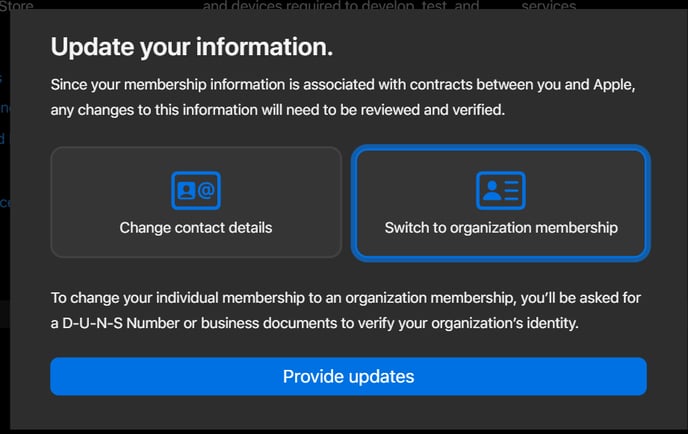
Then select "Switch to organization membership" and click on "Provide Updates."
-
Then fill in the relevant information.
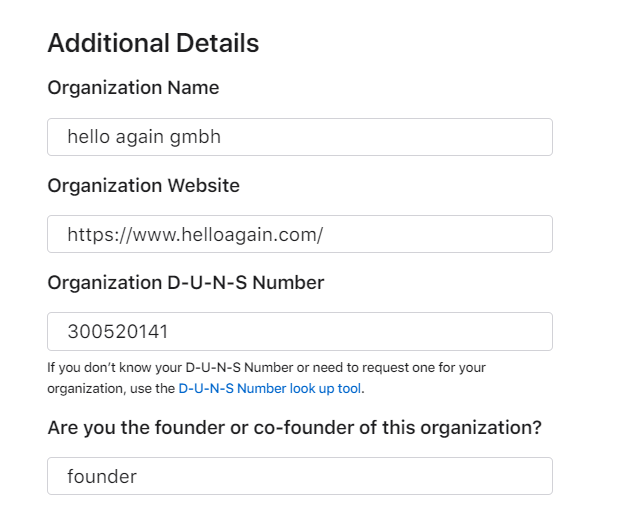
D-U-N-S number
The D-U-N-S number can be found on this website: Challenge Validation
If your company does not yet have a D-U-N-S number, you can apply for one free of charge here: Apply for a DUNS number or submit changesIt is important that the title is always CEO.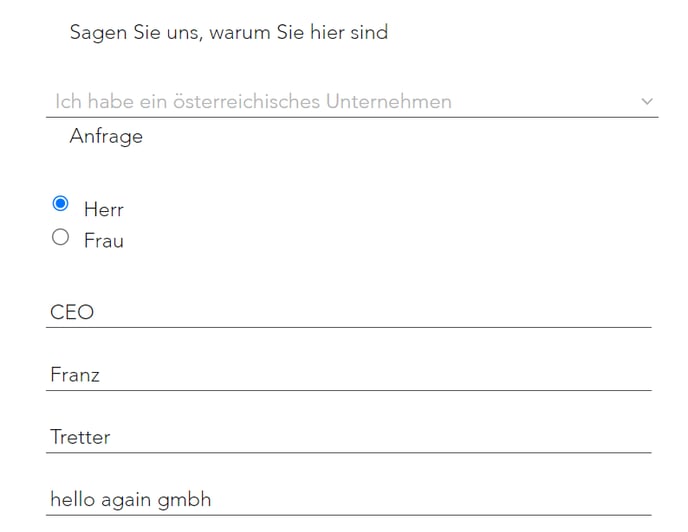
- On average, the application for a D-U-N-S number is confirmed by email within 5 business days.
-
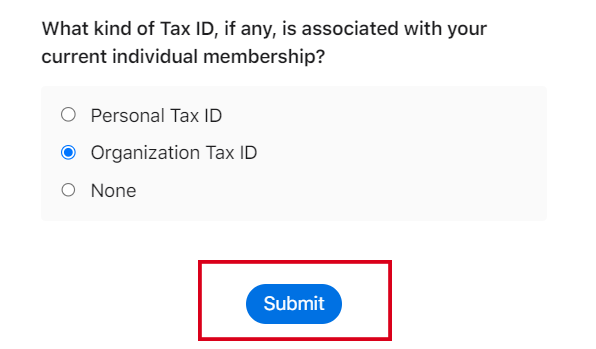
Once all fields have been successfully completed, the switch can be requested by clicking the "Submit" button.
-
Apple will send you an email within the next 7 business days asking you additional questions, which you will need to answer by phone in order for the switch to be completed successfully.