In the dashboard, go to "Incentives" and then select "Rewards."
To make changes to a specific reward, click on that reward.
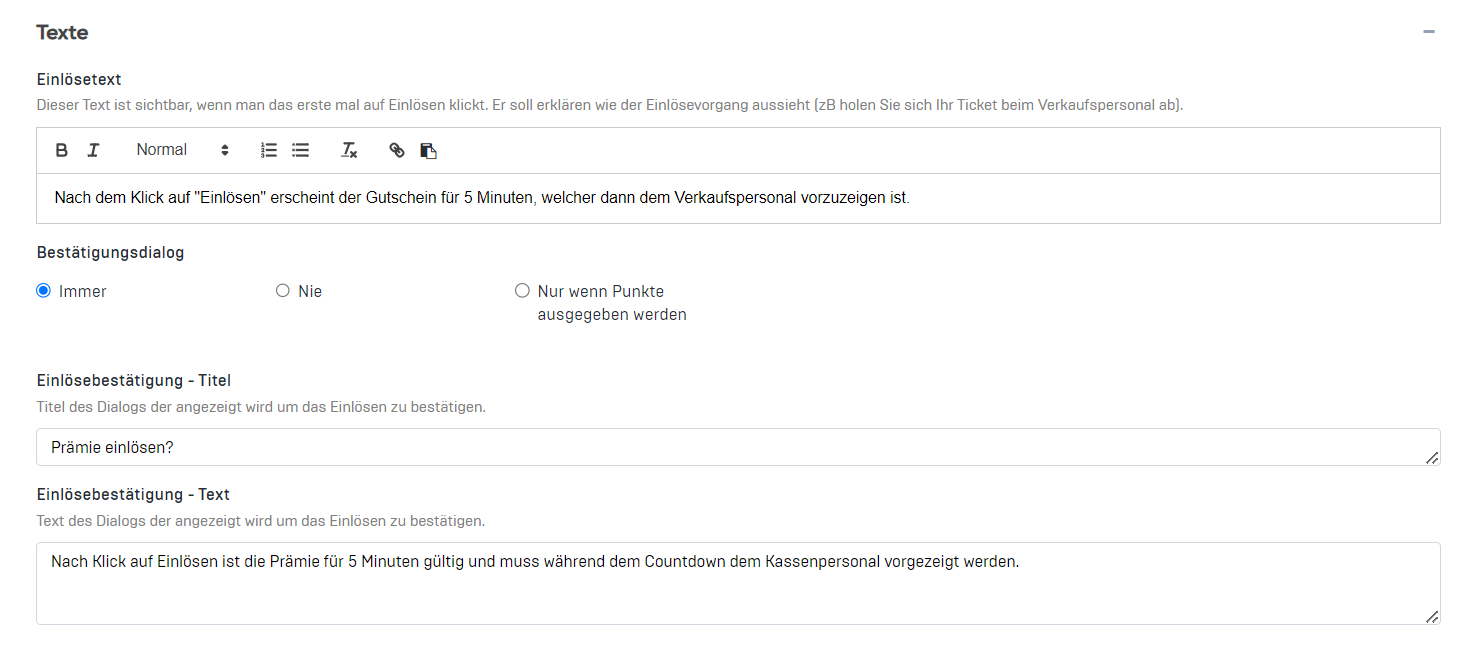
Then click on the "+" icon next to "Texts" to open the advanced fields. Here you can make adjustments to the text that is displayed when the reward is redeemed. You can also change or set the validity period and activity of the reward.