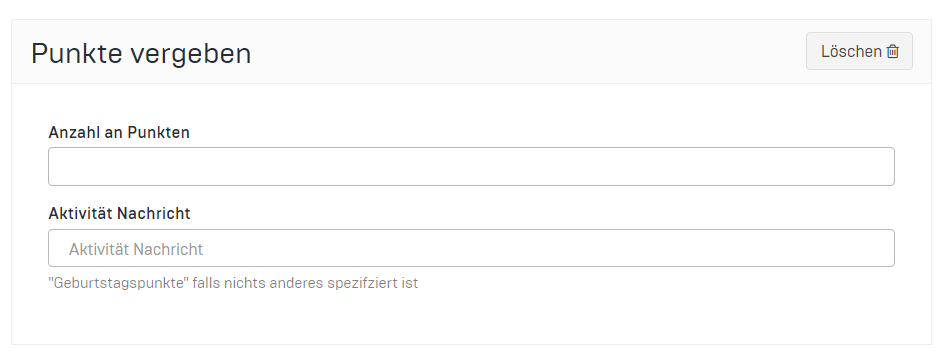
To add points to a message, you need to go to the specific campaign to edit it.
Below the message content, you will find a plus sign labeled "Advanced Settings."
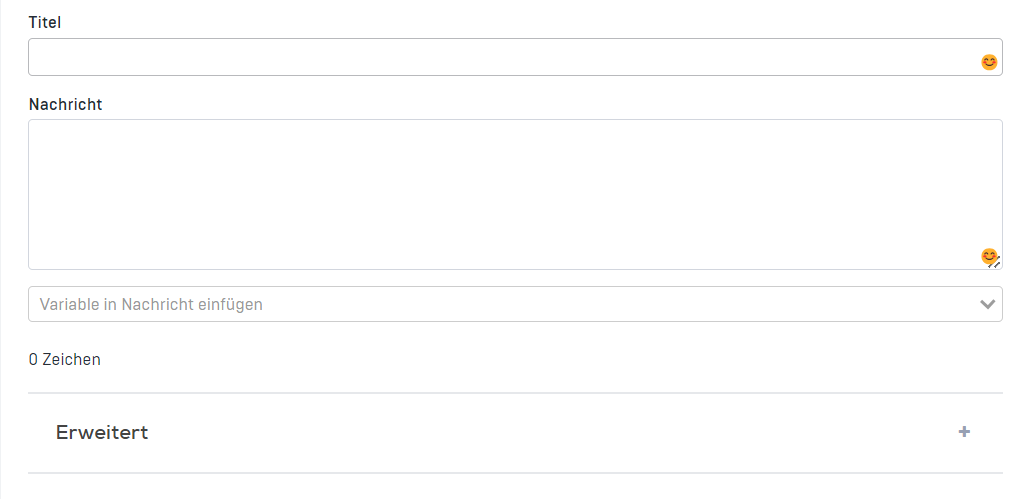
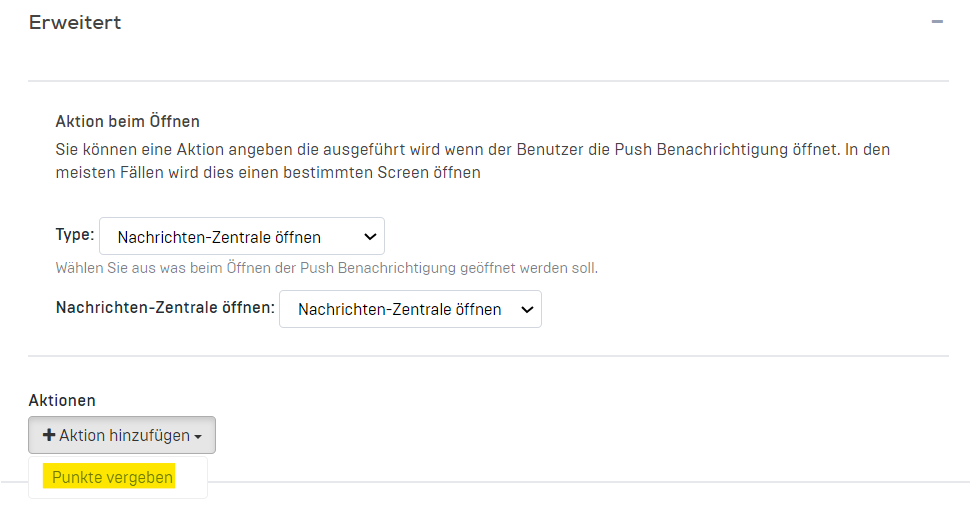
Click on these advanced settings and open the 'Add actions' section. Here you have the option to award points.
Enter the desired number of points in the "Number of points" field. In addition, enter the text "Birthday points or extra points" in the "Activity message" field, depending on the occasion.