A push campaign can be linked directly to an app tab. To do this, click on the plus sign under Advanced when creating the message and select "App Screen" under Action. Here you will find a selection of the respective app tabs that you can link to directly. 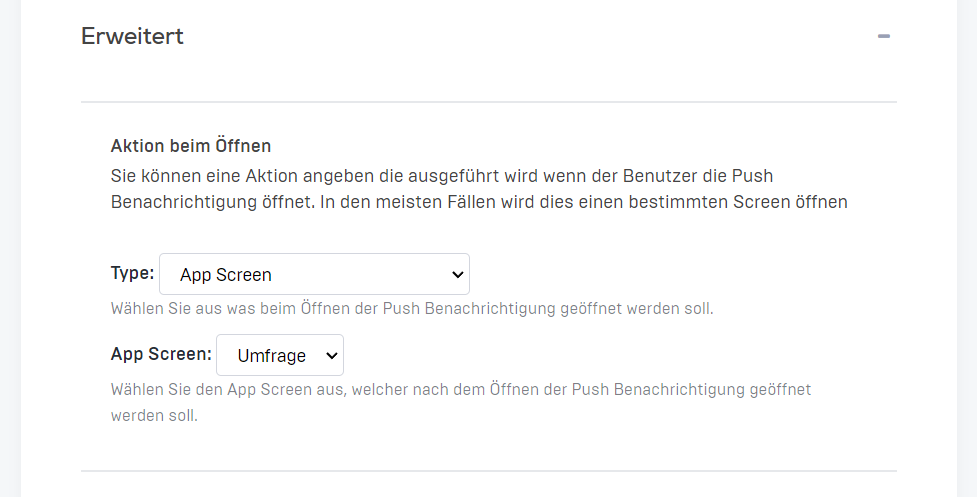
If you cannot find this option in your push campaign settings, please contact our support team.