Uploading legal documents to the dashboard allows you to manage important information such as terms and conditions, privacy policies, or cancellation policies centrally and make them accessible to your users.
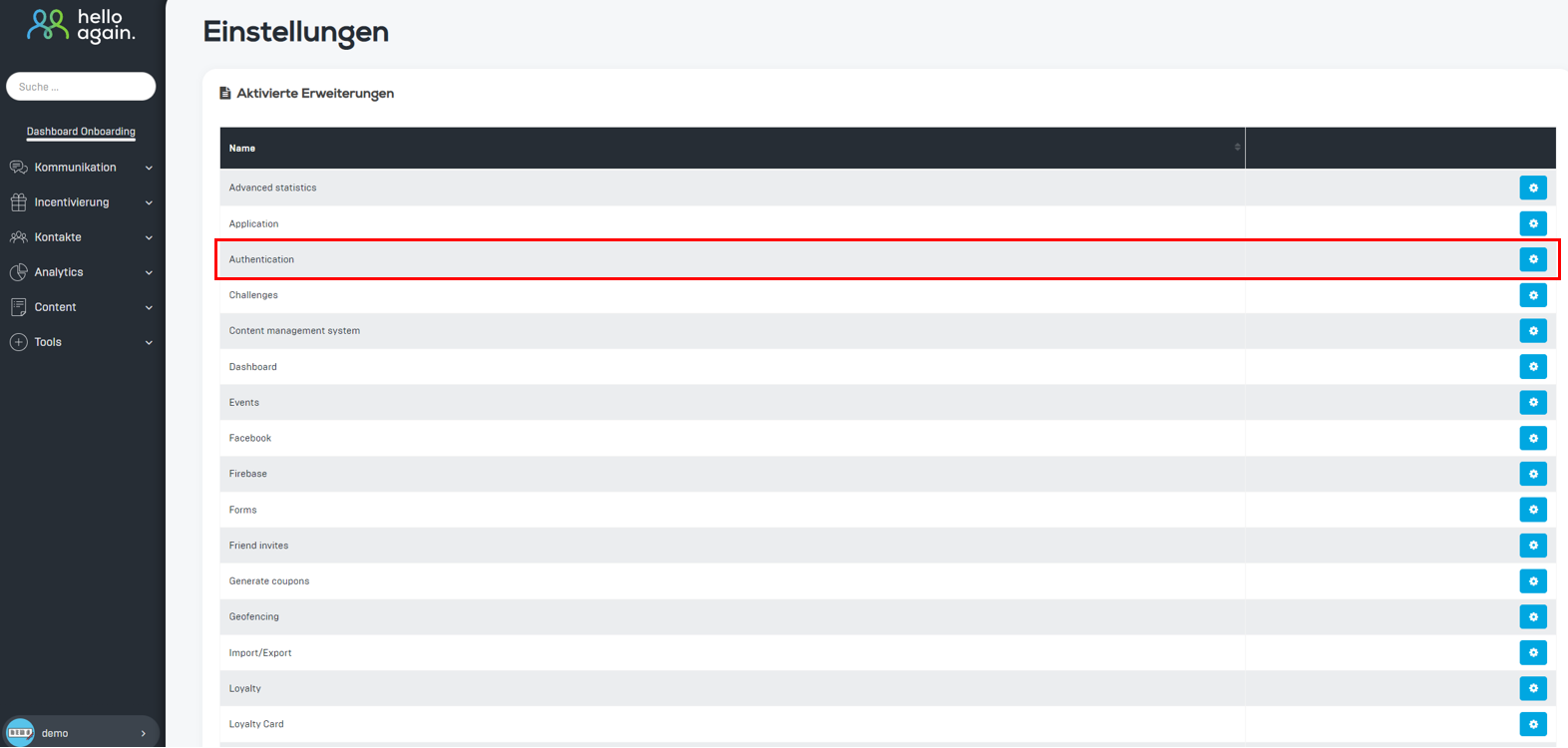
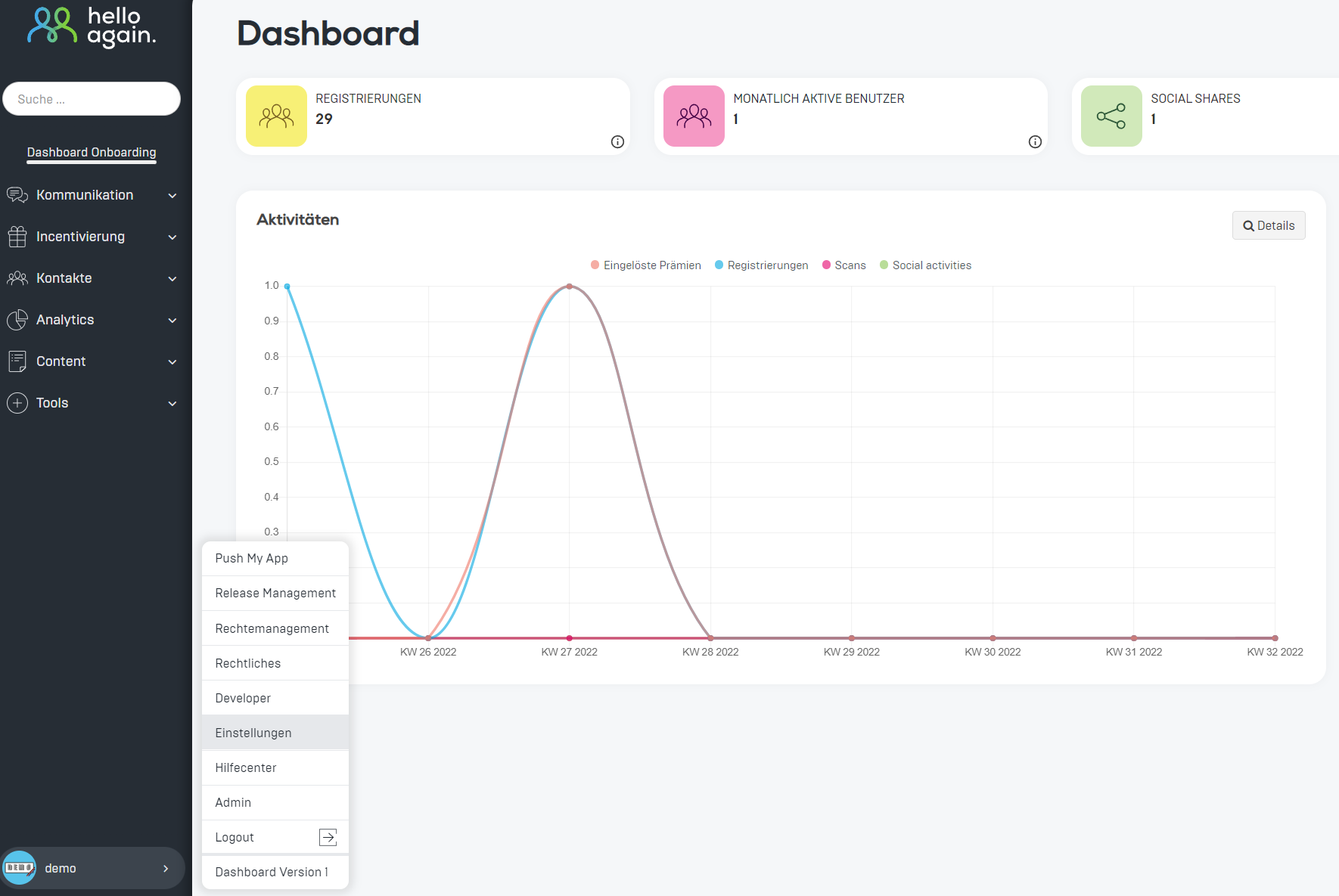
Here's how it works:
1️⃣ Authentication settings
- Select whether you want your account to be linked.
- Enable various login options, such as:
- Apple login (including black login button).
- Google Login for iOS and Android (insert Web Client ID).
- Facebook login and Firebase phone authentication.
2️⃣ Individual gender designations
You can add your own gender designations or edit/delete existing ones.
➡️ Example:
- female → female
- male → male
- divers → divers
📌 Tip: Use the "Add gender" button to create new labels.
3️⃣ Legal settings
Here you can upload new versions of the privacy policy and the general terms and conditions (GTC).
📥 Steps:
- Upload the corresponding HTML files.
- The next time the app is launched, users must accept these documents.
💡 Note: Documents that have already been uploaded are available via the download button.

5️⃣ Save
Don't forget to save all changes with the Save button to activate the new settings. 💾
These features allow you to customize your dashboard and comply with legal requirements. 🚀