Step-by-step guide: Reactivate newsletters for users
1. Log in to the dashboard
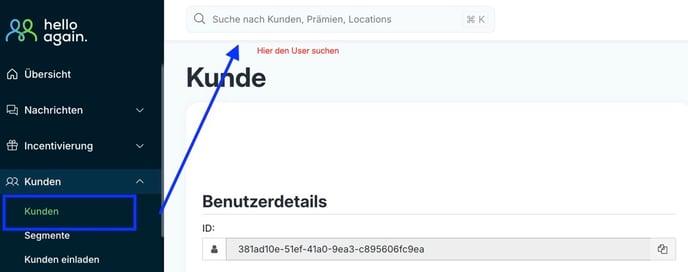
2. Go to the "Customer" tab.
- Select 'Customer'
- Search for the user in the search field
3. User details window opens
- Here you will find all information about the user.
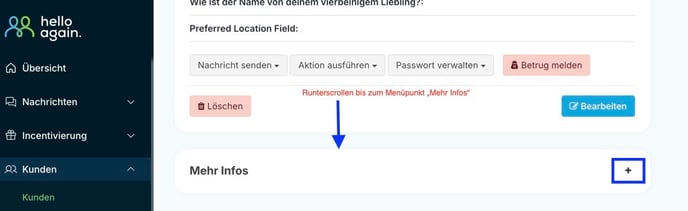
- Scroll down until you find the 'More info' field.
- Click on the + symbol
4. Subscribe to the newsletter
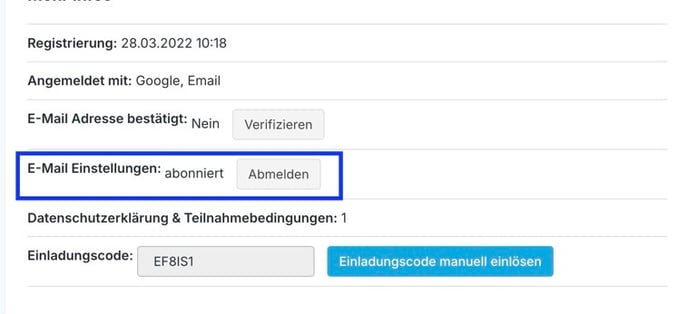
- A new field opens with more information about the user.
- Under "Email Settings," you can see whether the user has subscribed to the newsletter or unsubscribed.
- In this case, the user was logged out. Simply click on the 'Log in' button.
- After that, the status should change from 'unsubscribed' to 'subscribed'.