Procedure for hiding premiums that have already been redeemed via premium details:
1.) Create a new bonus.
2.) Edit this premium and switch to the premium details.
3.) Under Advanced Settings, go to Redemption.
4.) Set the redemption limit per customer to "1" and "Forever."
5.) If you have configured 4.) as described, you will see a checkbox labeled "Hide reward after redemption." Activate this checkbox and save your settings.
Alternatively, you can hide redeemed rewards using segments, as described below:
-Create reward X and set a limit so that it can only be redeemed once.
-Create an automated segment with the trigger "Reward X redeemed."
-Create a second segment that excludes customers from the first segment.
-Edit the reward and add the second segment as a prerequisite.
Here is a specific example with a welcome bonus:
-Create welcome bonus
-Segment "Bonus redeemed": Trigger for the segment = Welcome bonus redeemed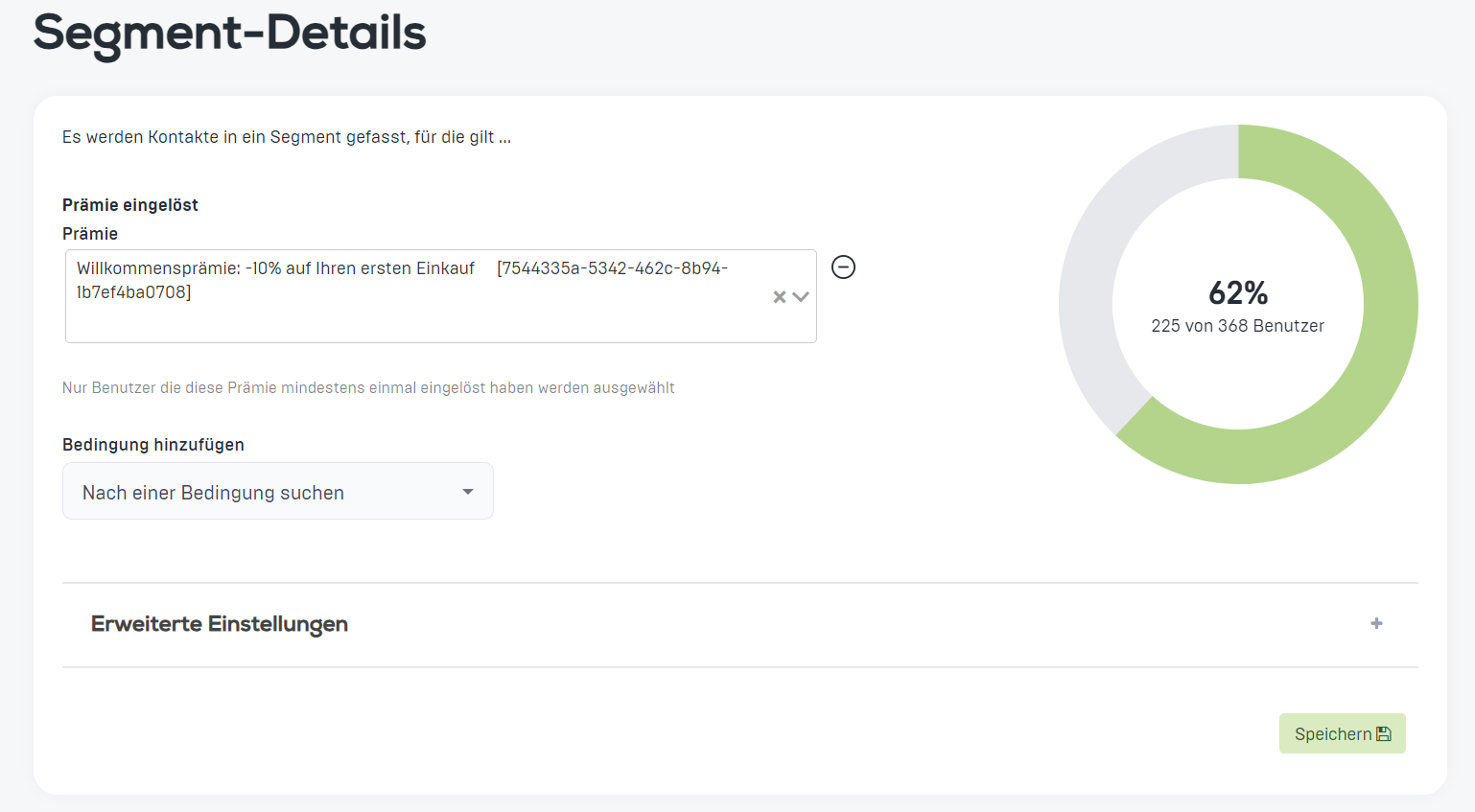
-Second segment: Trigger segment "Premium redeemed" and check the box for Exclude segment
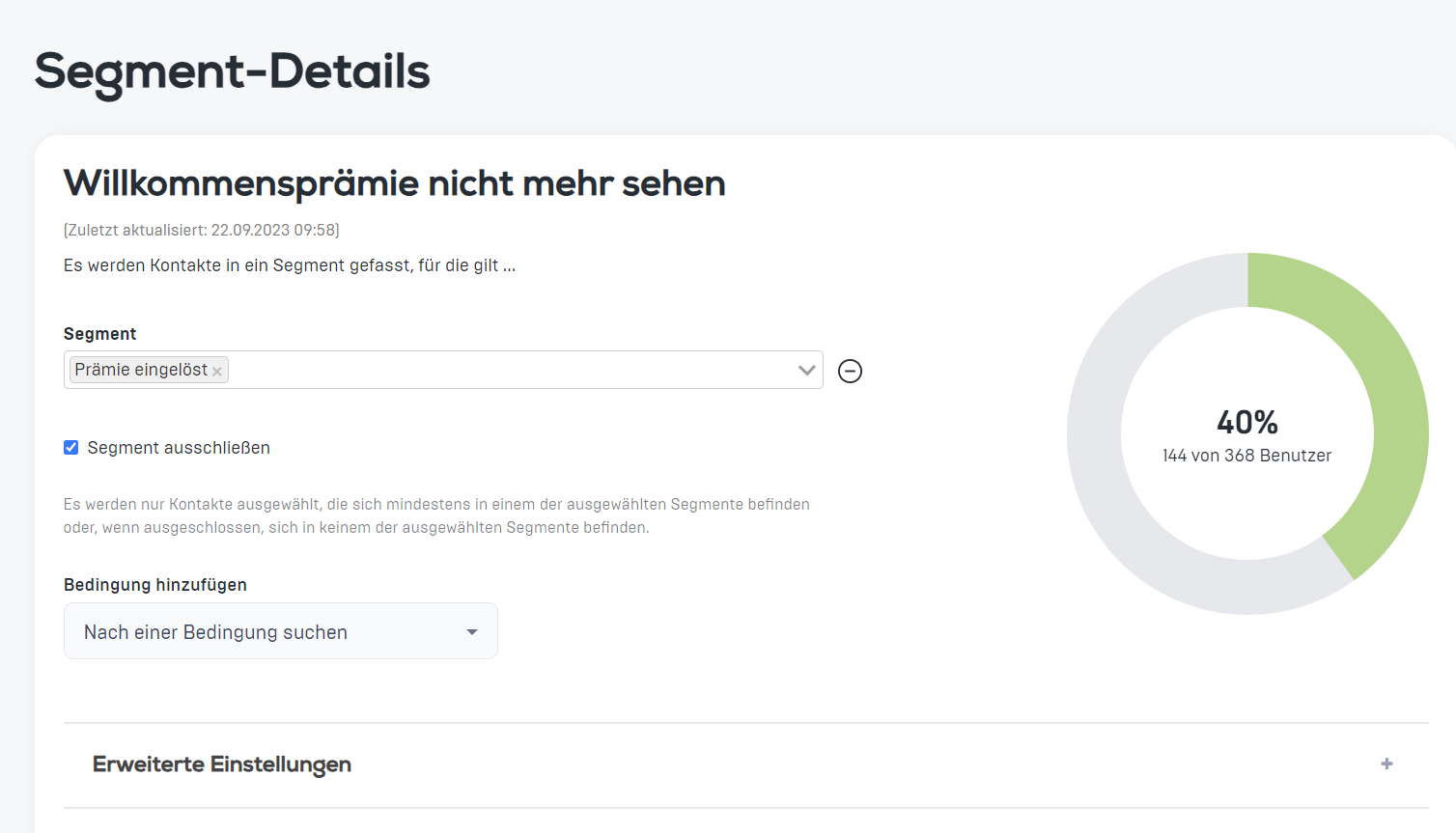
-Go back to the bonus and select "Do not show welcome bonus" in the settings as a prerequisite for the bonus.