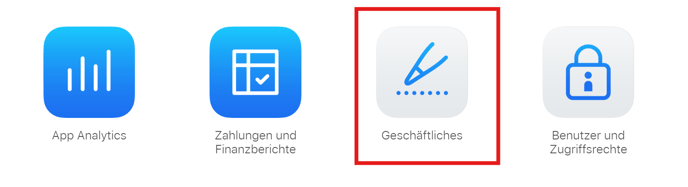
1. Sign in to App Store Connect and click Business.
2. Click on the blue text in the following warning banner:
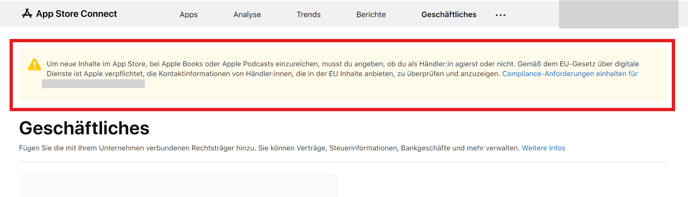
3. Click again on the blue text in the warning banner.
4. Select the top option. retailer and click on Continue. 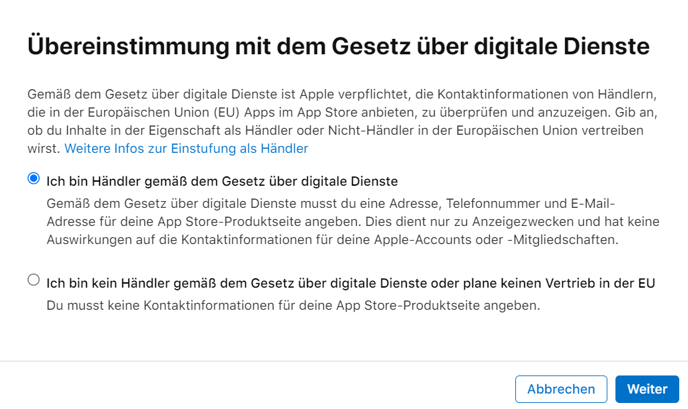
5. Now check your contact information and add your phone number and email address, which may be publicly visible in the store. 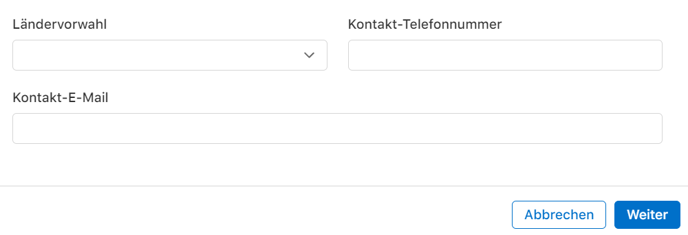
Please note: If you get stuck at this step due toan invalid value,itisbecause Apple does not accept umlauts or ß.
In this case, please contact Apple Developer Support.
Please ask support to update your address information so that trader verification can be carried out.
Wait for the response and then continue with the next steps.
6. You will now receive a confirmation code at the email address. Enter this code.
7. You will now receive a confirmation code on your phone number. If this is a landline number, have the codeforwardedto you bycalling the number. An automated voice will announce the code. Enter this code as well.
8. Now you can check the data again. Then click onConfirm and you're done!