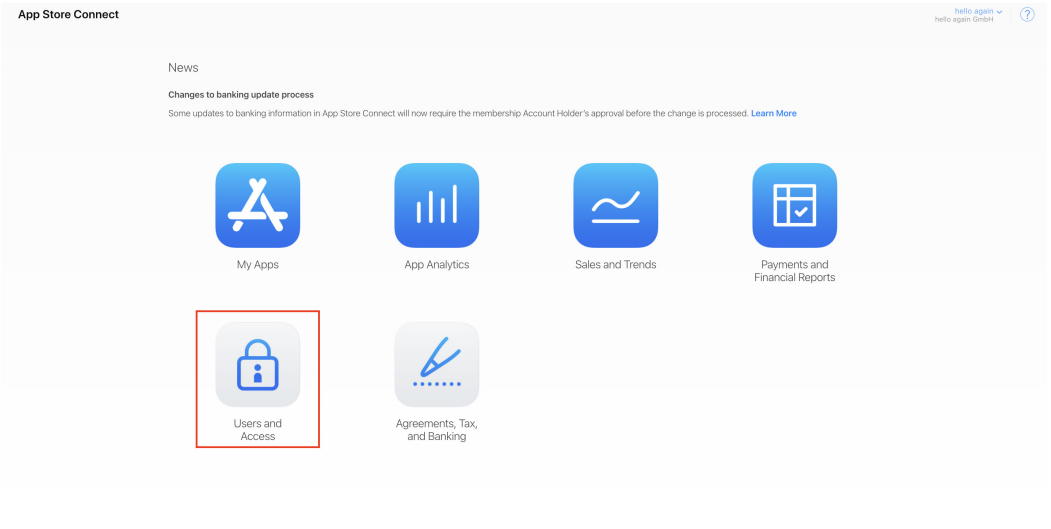
- Please log in to your Apple Developer Account with your credentials: https://appstoreconnect.apple.com/
- Click on the menu item "Users & Accesses" or use this link directly: https://appstoreconnect.apple.com/access/user
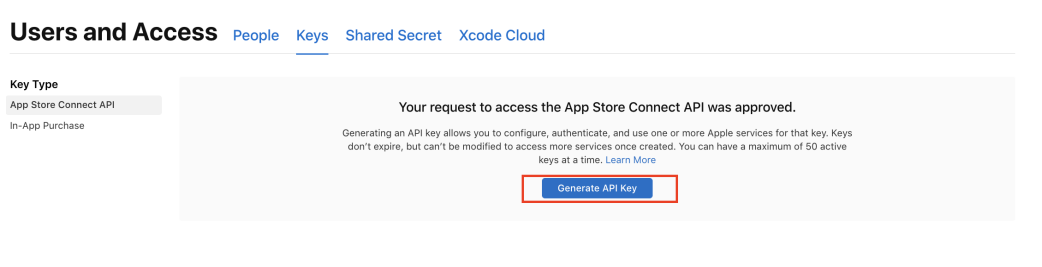
- Select the "Keys" menu item, click on "Request Access," and confirm the checkbox that appears.
- Click Generate API Key.
Key name is: Admin API Key
Access: Admin 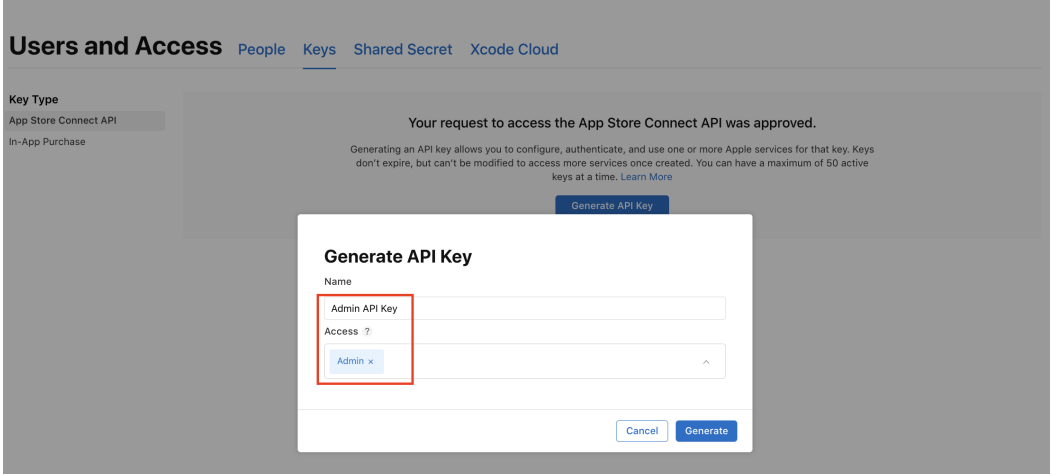
- Download the key and copy or save the issuer ID and key ID.
ATTENTION: THE KEY CAN ONLY BE DOWNLOADED ONCE - SO PLEASE BE CAREFUL.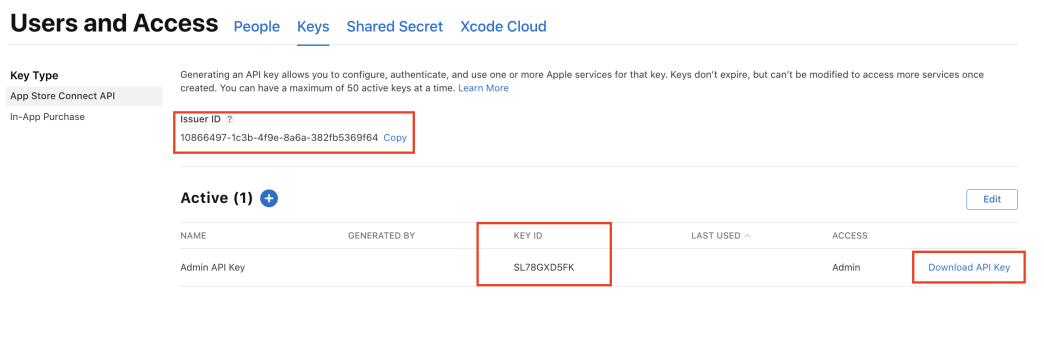
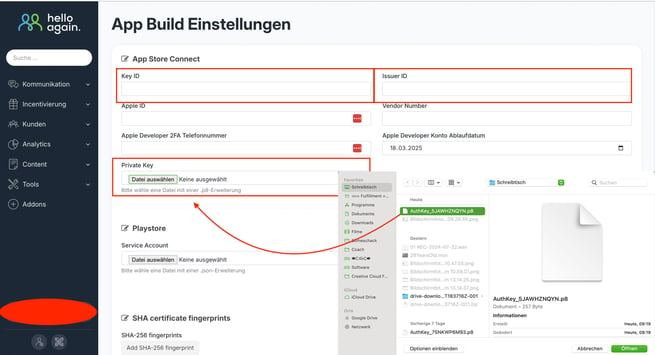
- Open the dashboard and click on "App Build Settings" in the advanced settings.
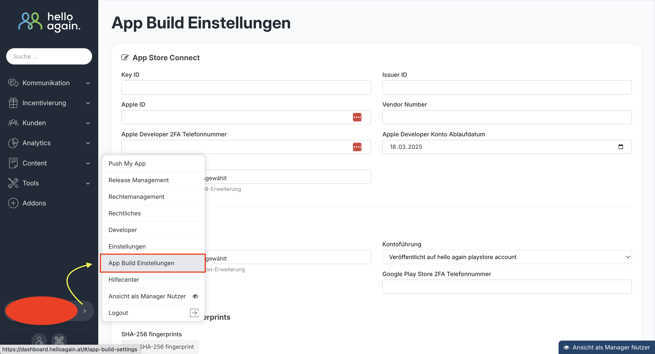
- Fill in the Key ID and Issuer ID, and upload the private key (previously downloaded file).
Click Save - Done