What exactly can this function do?
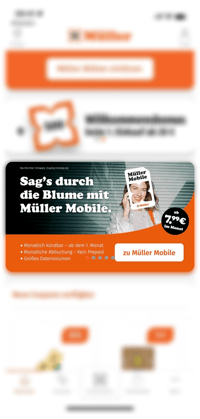
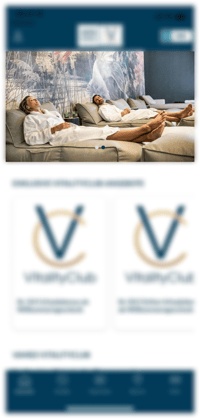
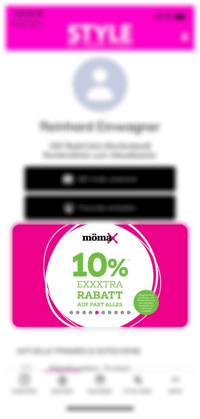
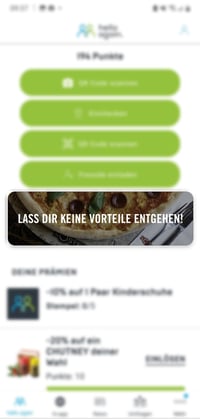
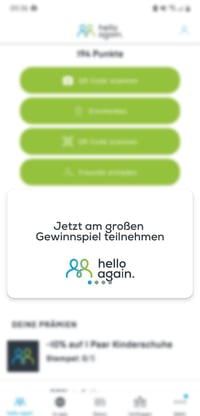
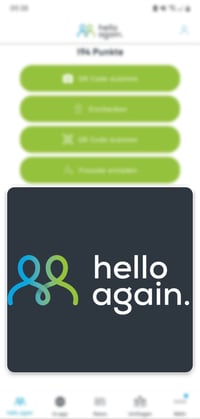
- App banners are available in 3 formats and can be displayed in several places in your app, such as the home page or the Loyalty tab.
- It also has one or more banner slides that either change automatically or can be swiped through by customers.
- You can also restrict the slides to segments so that specific user groups see different content and offers.
- Spontaneous chaos is a thing of the past—you can also plan your banner slides with different offers and advertising campaigns in advance. For example, for Easter or Christmas.
- By clicking on the banner, customers can be redirected to a website, store, reward, contest, or event.
- You can easily create and edit your banners in your app's content management system.
The added value for you
- The first thing that catches your customers' eye when they open the app is the banner. This means that the banner attracts a lot of attention and focuses your customers' attention precisely on the information you want to convey there.
- You can show a specific offer or product range to a specific segment of your customers. Example: only tennis players will see an offer for tennis rackets, and skiers will see an offer for 10% off skis.
- The banner allows you to direct your customers to the location you want, so you can attract more customers to your website or motivate them to take part in a competition (event, challenge, etc.).
- Partners, sponsorship in regions, etc.
Images / Screenshots
Further examples:
 |
 |
 |
Various banner sizes
Small = 1200 x 350 px
Regular = 1200 x 704 px
Large = 1200 x 1200 px
|
|
|