What exactly can this function do?
- If your company already has a physical customer card, it can be easily integrated into your hello again app.
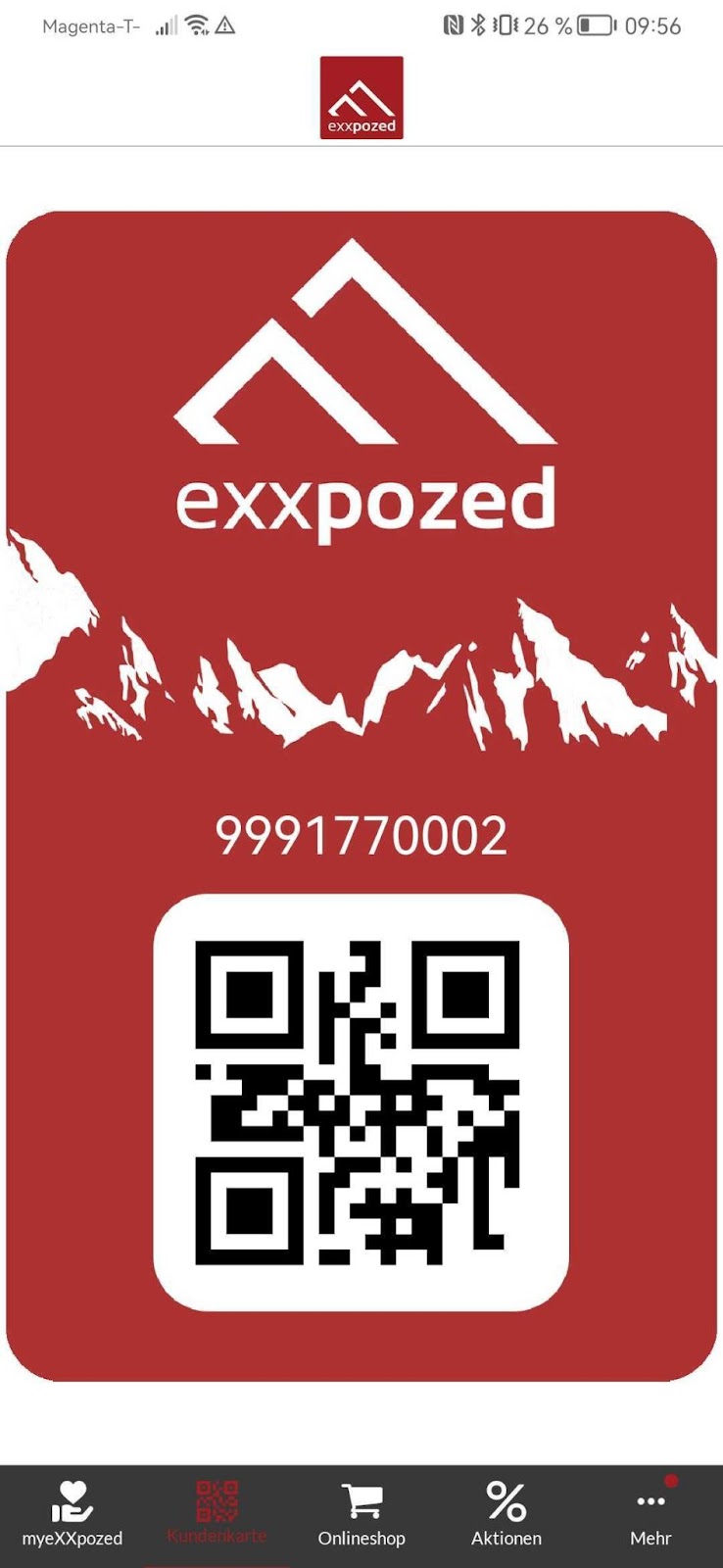
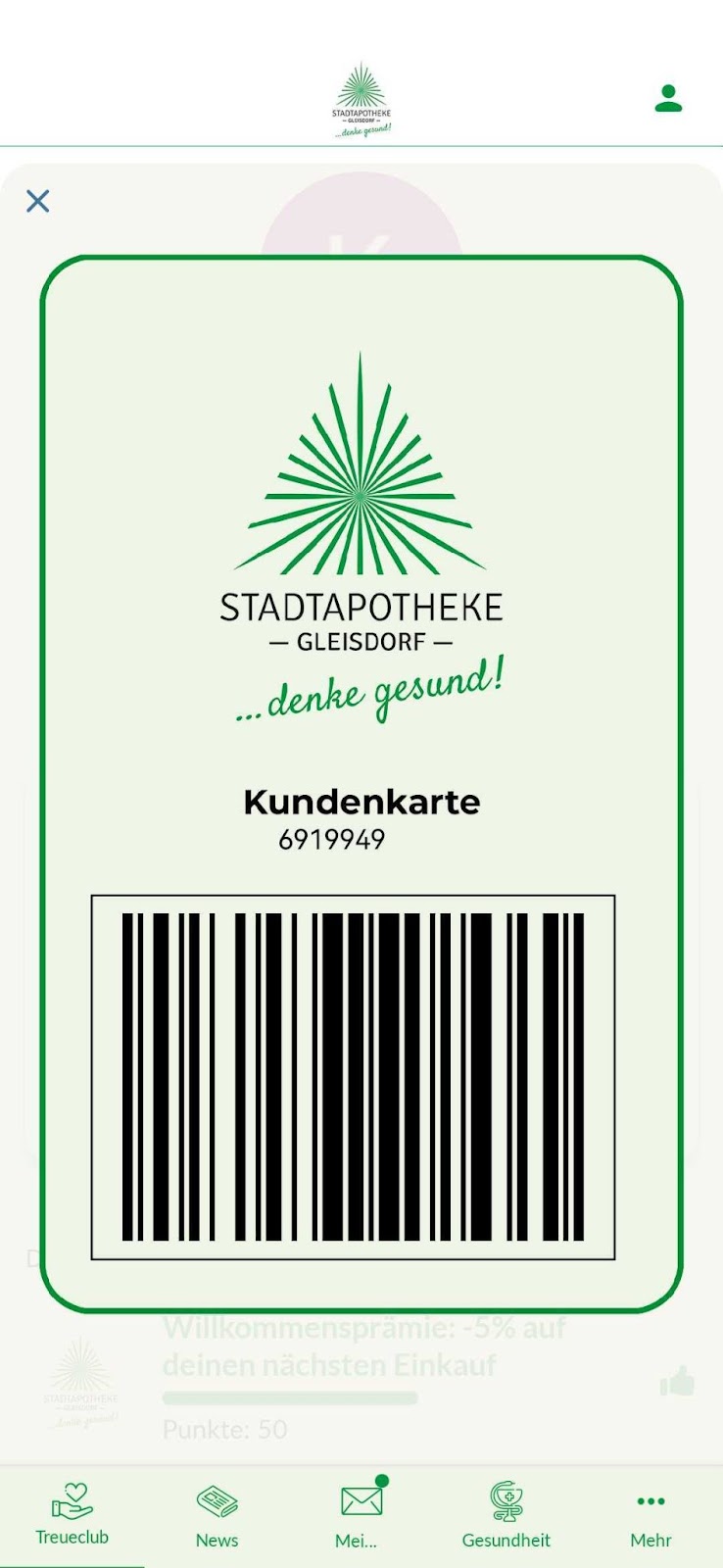
- The digital customer card is available either as a barcode or QR code.
- This means that your customers don't always have to insert their card, but have it handy on their cell phone at all times anyway.
- The customer card is created in the app on a customer card page and as a corresponding menu item in the app, and can be accessed at any time.
- Loyalty cards linked to a POS system can be scanned or manually entered at the checkout each time a customer makes a purchase. This means that the purchase value is credited directly to the customer's account and is immediately visible in the app.
- This gives customers a real-time overview of their loyalty points and available rewards.
The added value for you
- Your customers have their loyalty card immediately at hand digitally, without having to search for it.
- The purchase value is immediately credited to the account without any additional effort—this saves your customers the hassle of scanning the QR code.
- Loyalty cards are not left at home and forgotten, but are always with you, wherever you go.
- The customer number is displayed in a machine- and human-readable format, which greatly simplifies the entry of the number into the POS system and thus helps employees.
Images / Screenshots
The functions in detail
- The digital customer card is available either as a barcode or QR code.
- The defined customer number is thus displayed in a machine- and human-readable format.
- The dynamically generated QR or barcodes can be superimposed on a provided image.
- Depending on status affiliation, other background map images may be used.
- Customer numbers can be displayed in plain text or encrypted.
- The customer card can be created on a customer card page and as a corresponding menu item in the app. It can also be created as a separate tab in the app or as a button in the Loyalty tab.